CORE PERFORMANCE
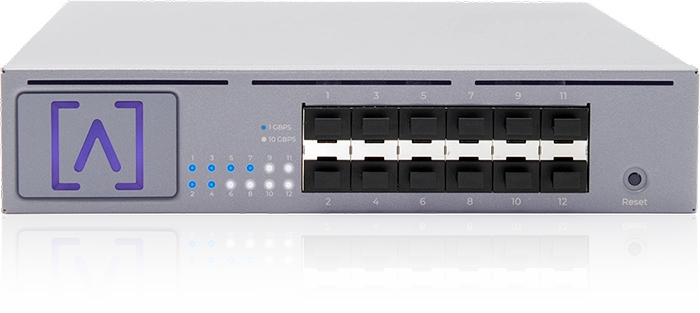
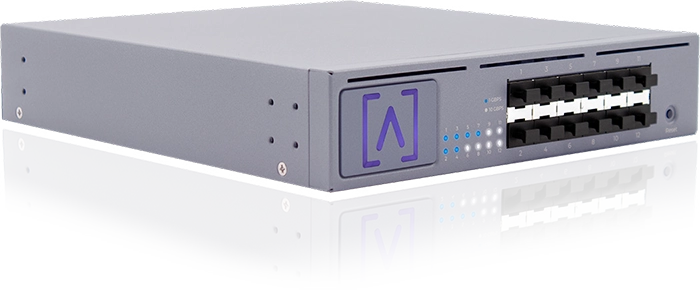
The S12 is the latest switch offering from Alta Labs. It is a 12-port SFP+ distribution switch, designed to deliver high-performance connectivity in your enterprise and commercial deployments. Ideal for use in campuses, hotels, restaurants, resorts, entertainment venues, Pro AV, MDU (Multi Dwelling Units), and any environment requiring easy-to-use high-speed connectivity. The S12 features 12 SFP+ ports that each provide speeds of up to 10 Gbps.
The S12 is a fully managed rackmountable switch. The versatile mounting hardware can be used for mounting on a wall or for use in a rack. An optional accessory bracket allows two S12 units to be connected in a single 1U rackmount space. The S12 includes Bluetooth functionality for seamless device setup. Use the Alta Networks mobile app for quick and easy deployment and management from your mobile device.
High Performance Connectivity
The S12 12-Port Distribution Switch provides twelve SFP+ ports for high-capacity fiber or copper connections of 1 Gbps, 2.5 Gbps, 5 Gbps, or 10 Gbps.
Mounting Flexibility
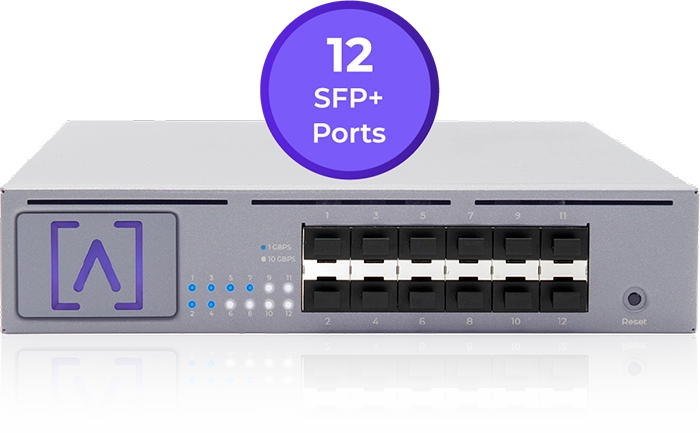
The Alta Labs S12 includes two small rack mount ears and one large rack ear. The two small rack ears can be used to mount the S12 on a wall.
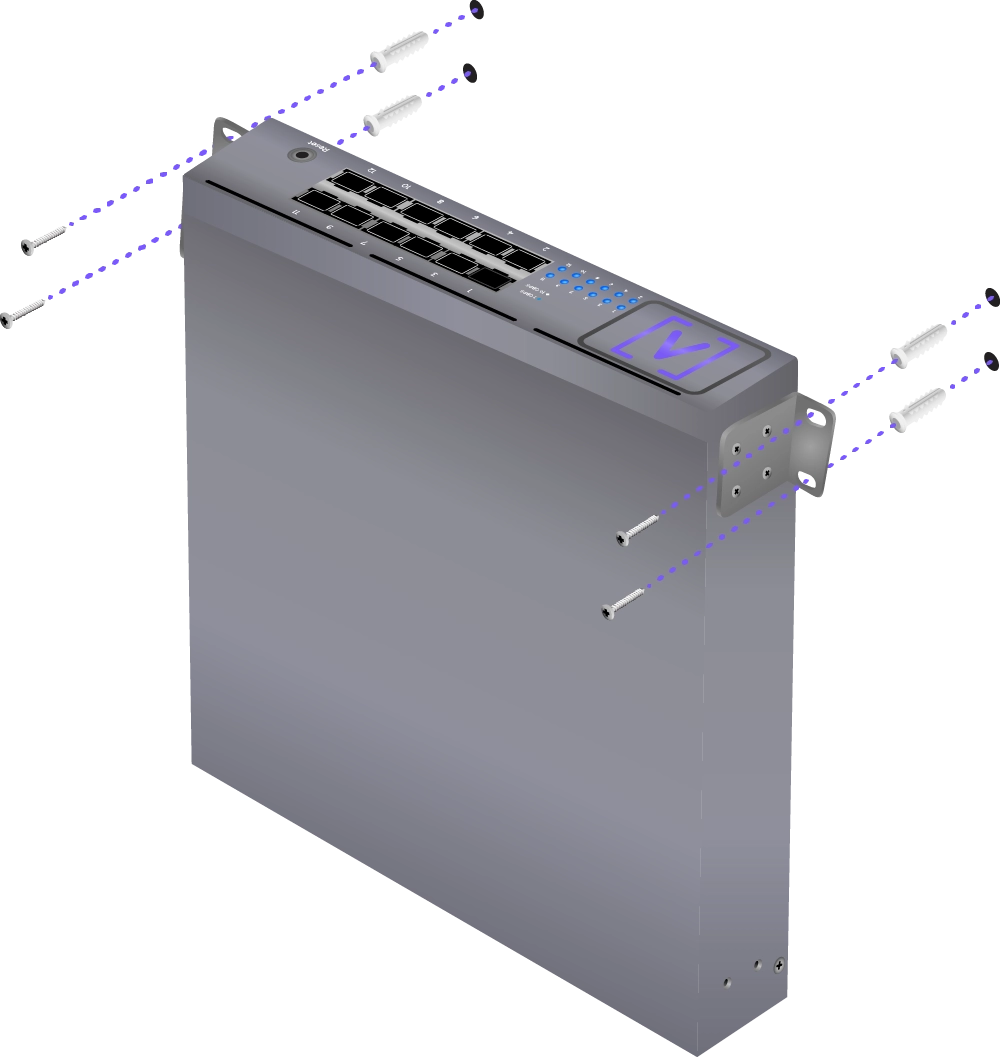
The included large rack ear allows easy mounting of a single S12 in a standard 1U rack space.

An optional connector bracket accessory (sold separately) allows you to connect two S12s in a single 1U rack mount space in conjunction with the two small rack ears (included).

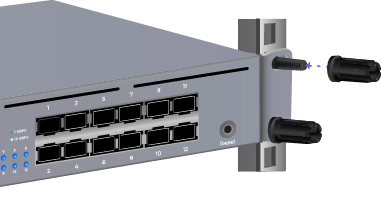
The S12 includes the Rackstuds™ DUO toolless rackmount system.
Bluetooth Setup
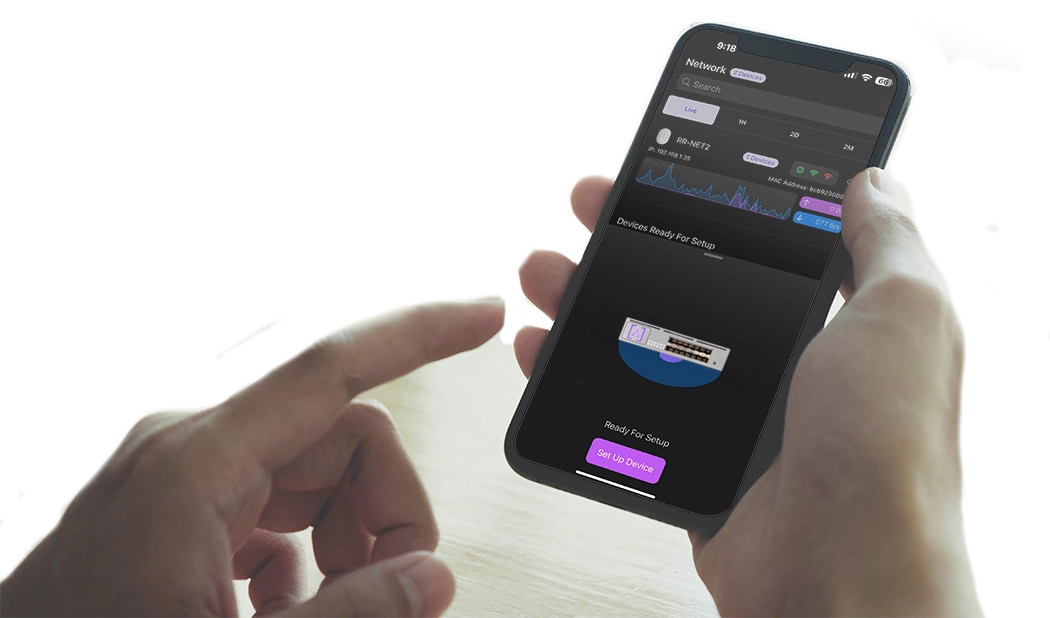
Alta Labs switches include Bluetooth functionality allowing for seamless setup using the Alta Labs mobile app.
Mobile App
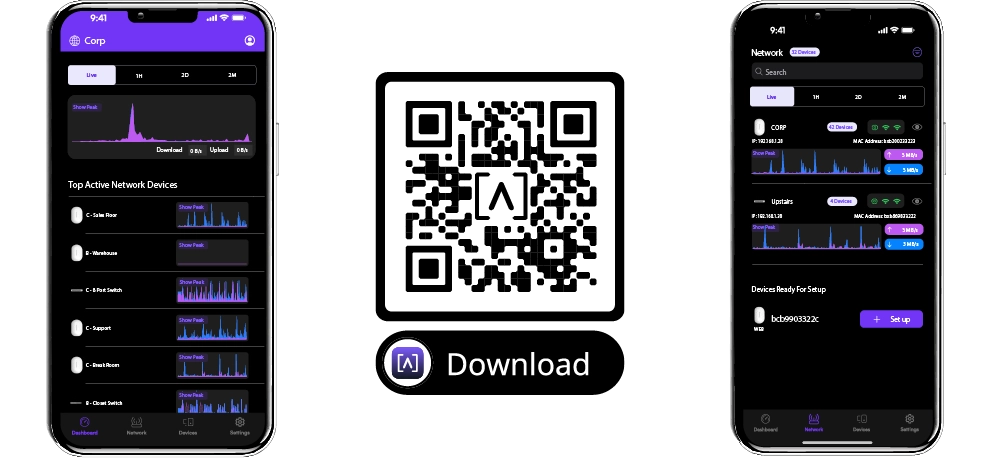
Monitor and manage your networks from the convenience of your mobile device. Download and install the Alta Networks mobile app. Sign up for an Alta Labs account using just your name, email, and password or sign in using your Google or Apple account.
Scalable Cloud-Based Management
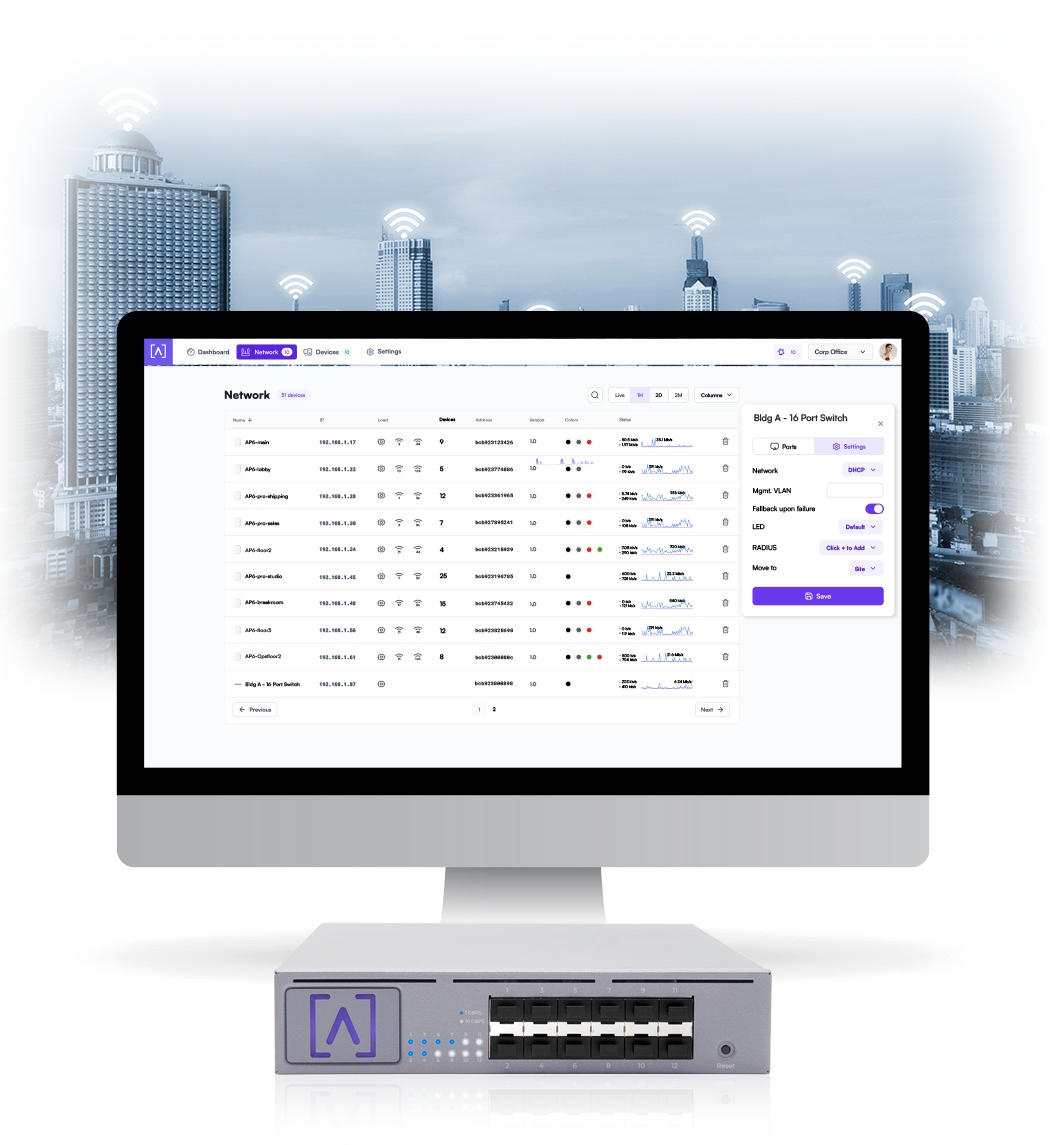
Alta Labs provides an intuitive and easy-to-use cloud-based management interface for Alta Labs devices. Designed for optimum scalability using a high-availability architecture for the ultimate in convenience and worldwide accessibility. Built on a worldwide content delivery network to optimize response and latency, our global cloud infrastructure ensures geographically optimized connectivity through our redundant network.
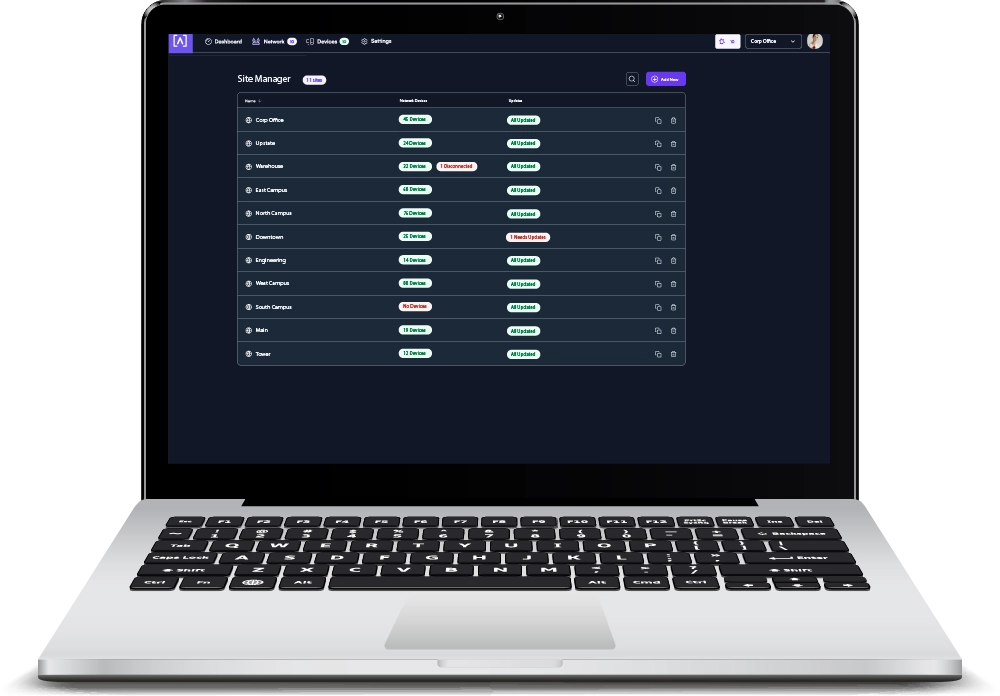
Deploy and manage multiple sites quickly and easily. Add, delete, or rename sites instantly. Toggle between sites from a site selection drop-down. Each site contains its own data set.
Advanced Features
Join our community of users at forum.alta.inc to brainstorm innovative uses of advanced features via our command line interface.
VLAN Stacking
As one of our advanced features, the S12 supports VLAN stacking, or Q-in-Q, to provide your customers (and their customers) with their own subsets of VLANs.
Egress and Ingress Rate Limiting
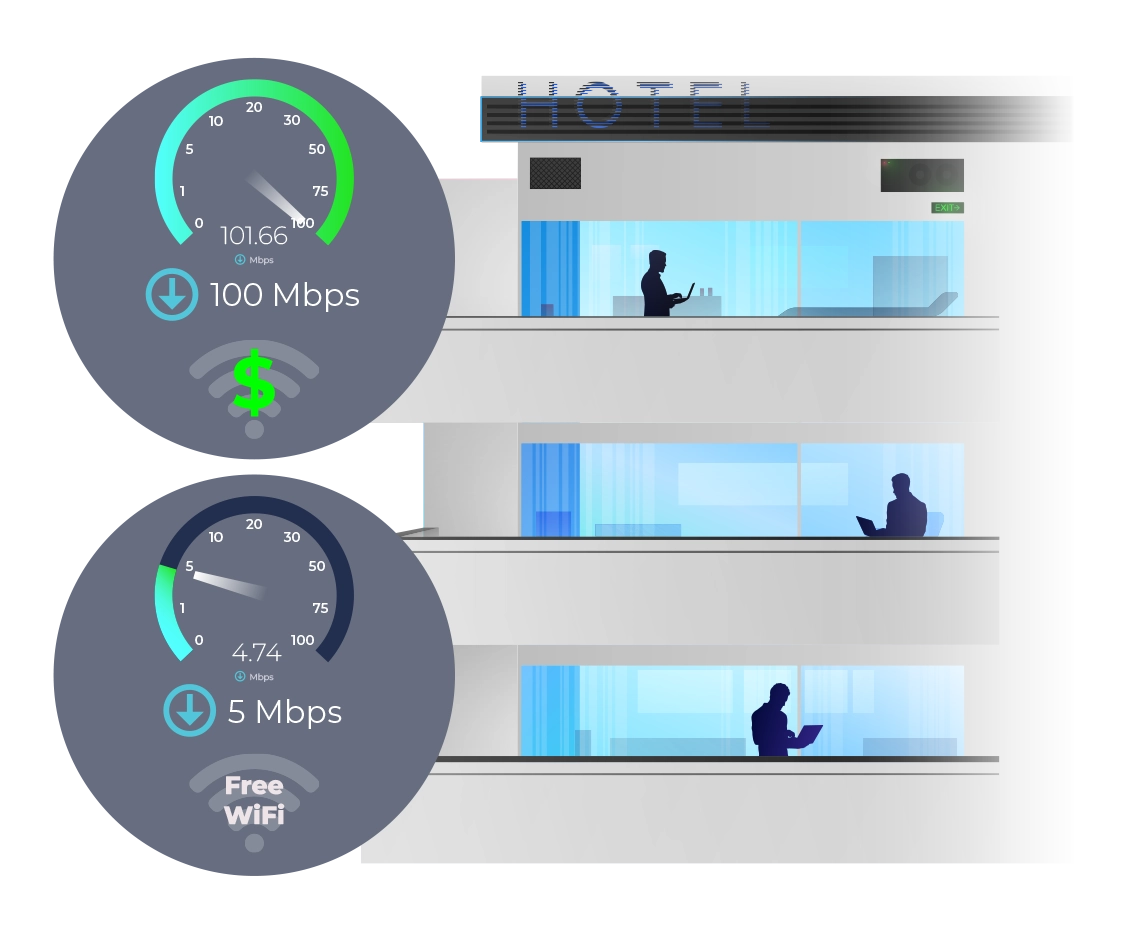
Alta Labs switches offer egress and ingress rate limiting. This allows inbound and outbound traffic to be limited to a portion of the available bandwidth per connection.
For example, a hotel may want to provide guests with free 5 Mbps internet download (egress) connections but require guests pay an extra fee for 100+ Mbps speeds. The upload (ingress) speeds from the guests devices can also be limited.
IGMP Snooping
IGMP Snooping functionality is incorporated into Alta Labs switches to optimize network performance by reducing unnecessary traffic. This is particularly helpful for IPTV or multicast video streams.
802.1X Authentication
Alta Labs switches support 802.1x Authentication to allow for more dynamic methods of network authentication. VoIP phones and other 802.1x-compliant hardware can authenticate themselves on to the network, helping with deployment on larger networks.
Network Loop Detection
Network loops can deteriorate performance or even cause network failure. Our built-in network loop detection functionality is designed to help you eliminate any potential network loops.
Alta Labs Cloud Management Platform
The Alta Labs Cloud Management Platform provides many features that can be utilized on your Alta Labs Switches.
Customizable Dashboard
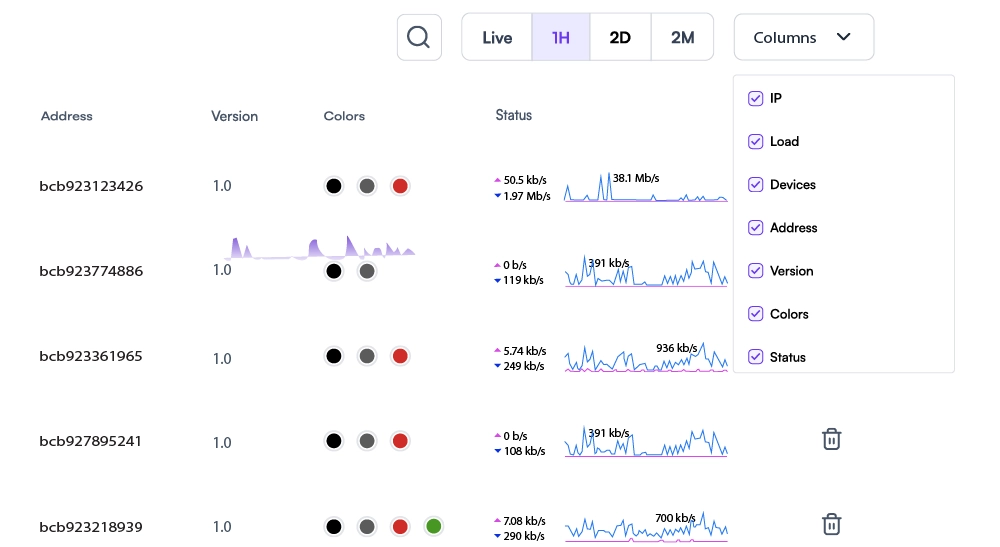
Customize your dashboard with the information you want to see: IP address, Load, number of devices, MAC address, firmware version, network color assignment, and real-time status details. Details are sortable by column.
Status Snapshots
View upload and download throughput with a visual timeline on the dashboard for each device displayed along with the number of connected devices, average processor load, channel load, and average connected devices. Select a snapshot of the last minute, last hour, last two days, or last two months.
Device Cards
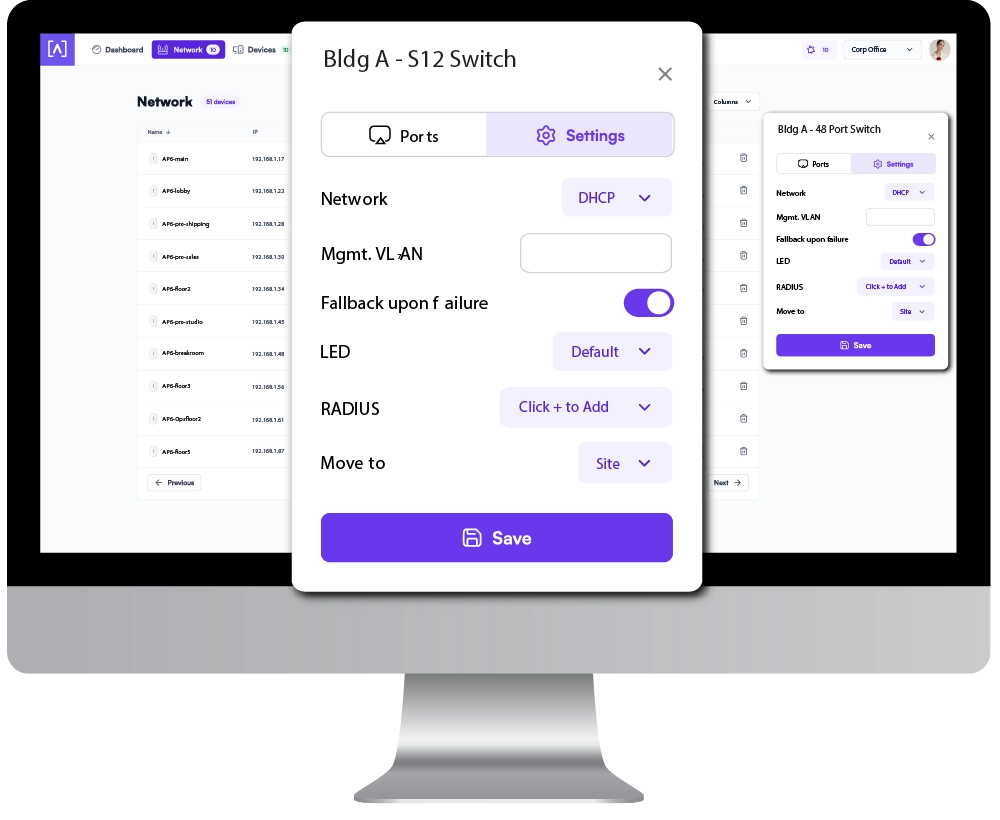
Easily view connection details and configure your ports by clicking the device icon.
Site Manager
The Alta Site Manager provides an overview of all sites, displays the number of devices for each site, and shows when updates are needed. New sites can be added and current sites can be duplicated or removed. Use the search option to look for a specific site.
Connection Example
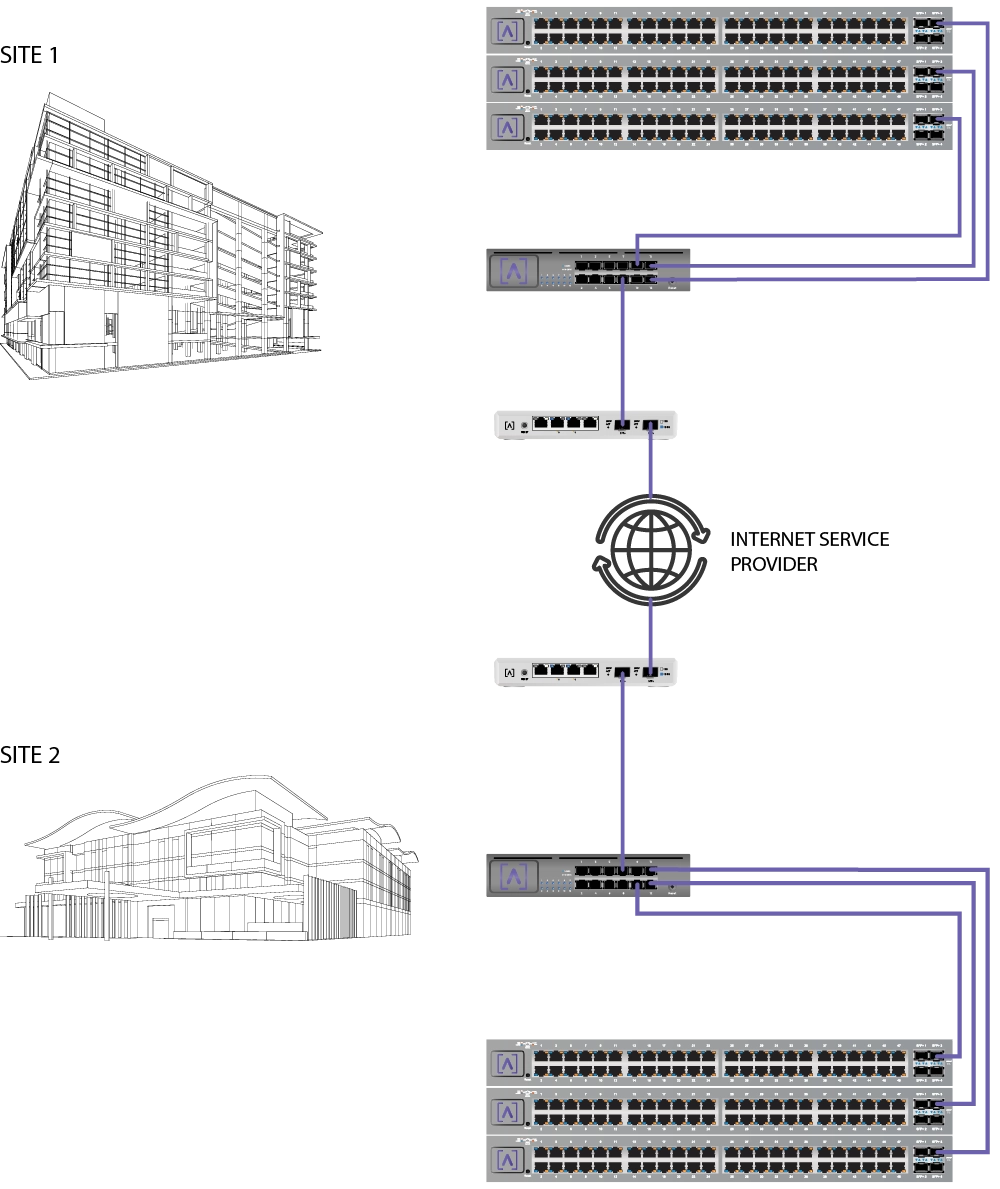
Use a pair of S12 Distribution Switches with a pair of Alta Labs Route10 10 Gbps routers for a high speed site to-site VPN connection.
FEATURES


