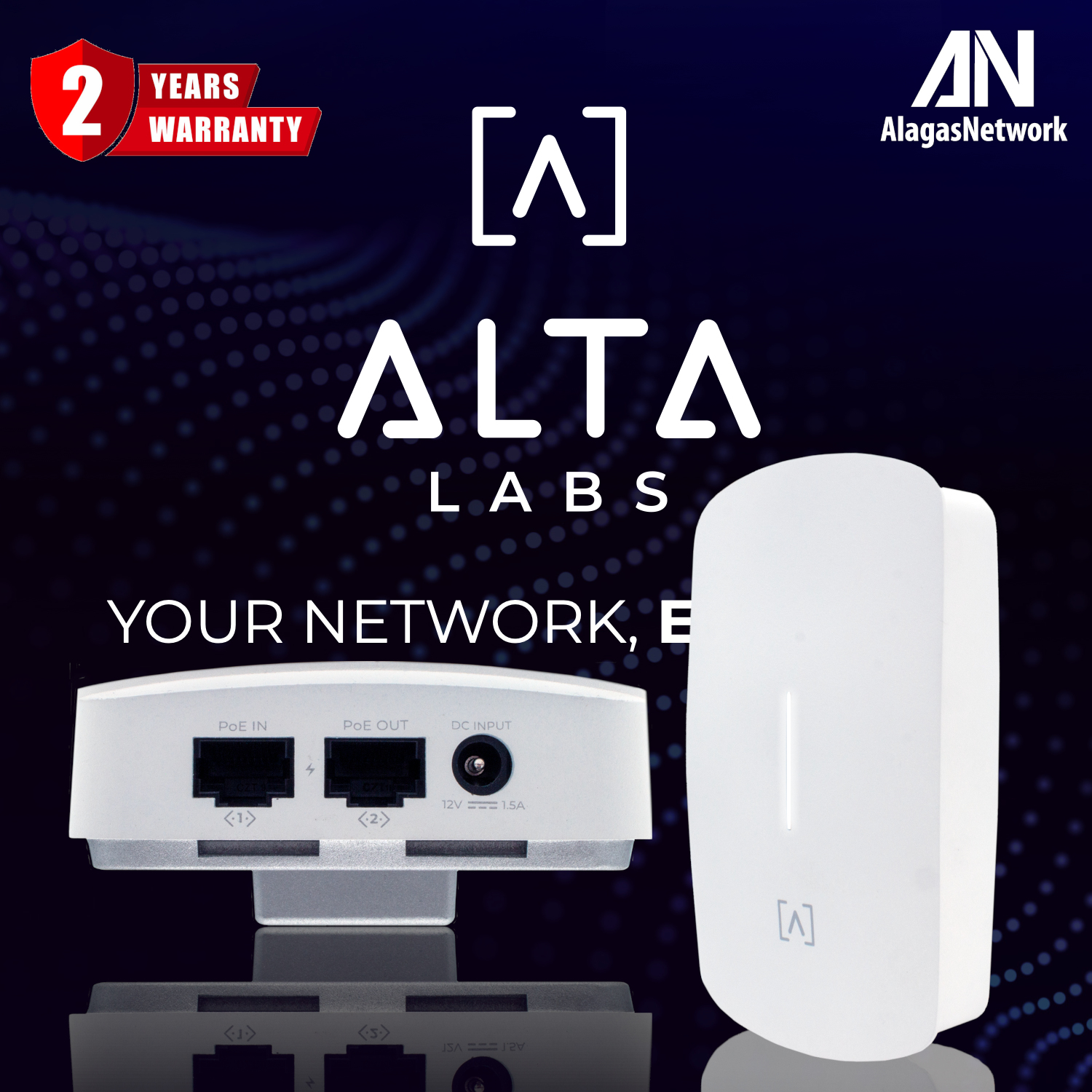


SLEEK AND COMPACT WIFi 6 AP
The Alta Labs AP6W 4-Stream Wall Mount Access Point features a compact form factor and a sleek aesthetic design allowing seamless integration into hospitality environments such as hotels, restaurants, resorts, entertainment venues, MDU (Multi-Dwelling Units), corporate, commercial, and residential spaces. Combined with our patented AltaPass™ technology, allowing you to use multiple passwords with a single wireless network SSID, you'll find the AP6W truly is the ideal access point for these types of deployments.
Versatile Design
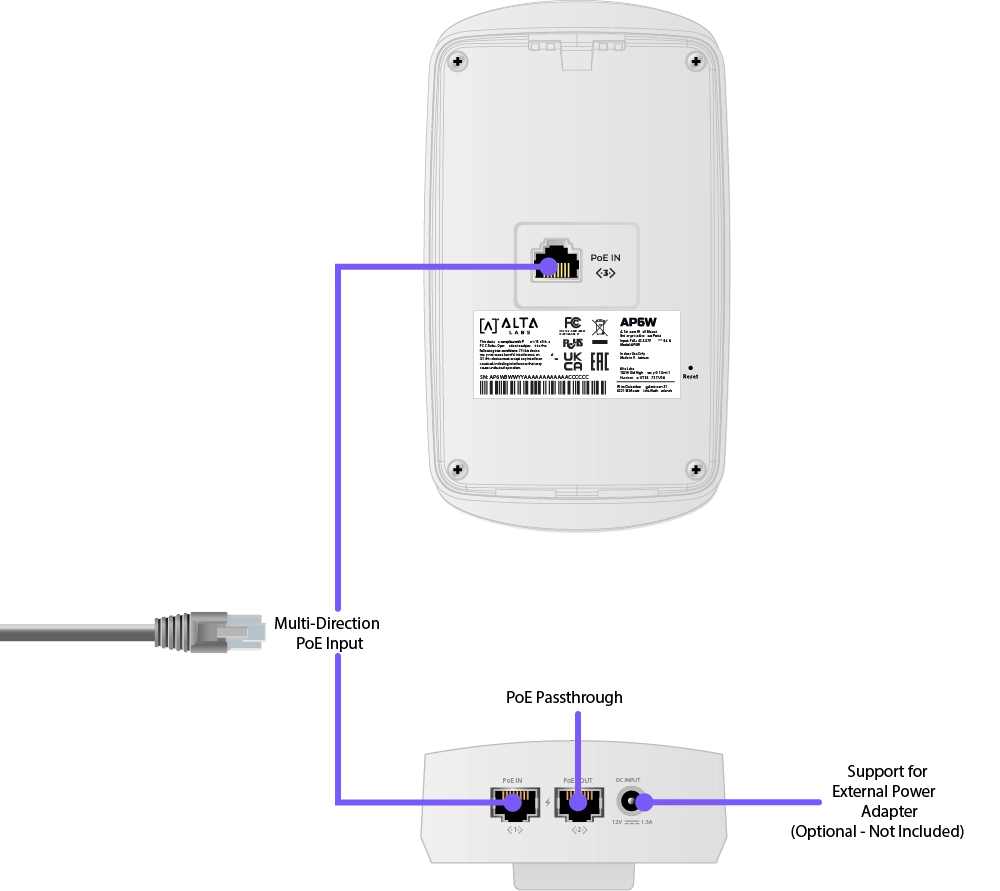
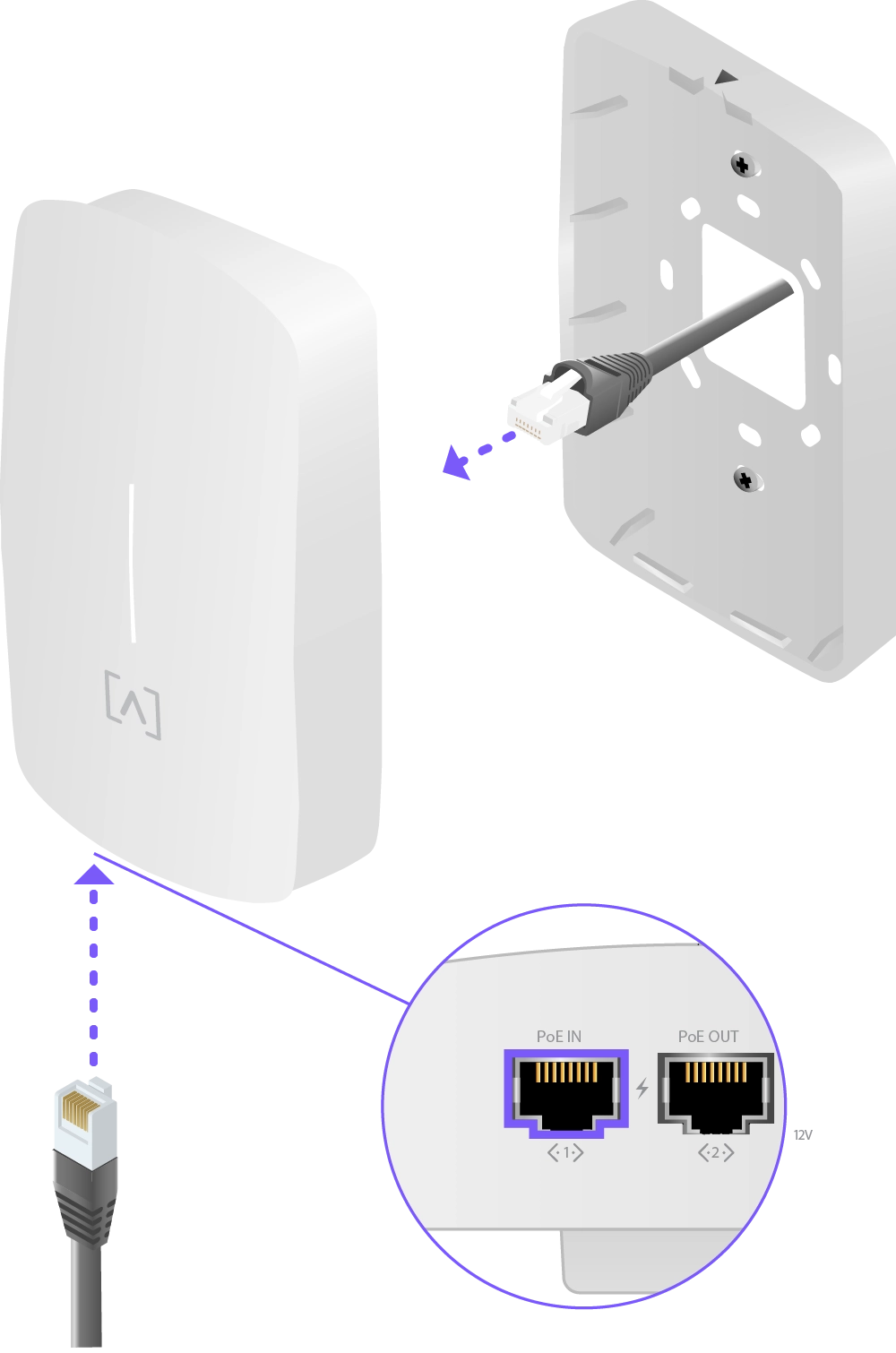
The AP6W can be powered over Ethernet via the PoE In Ethernet port on the back or the one on the bottom. Alternatively, it can be powered using a 12VDC, 1.5A power supply (Not Included).
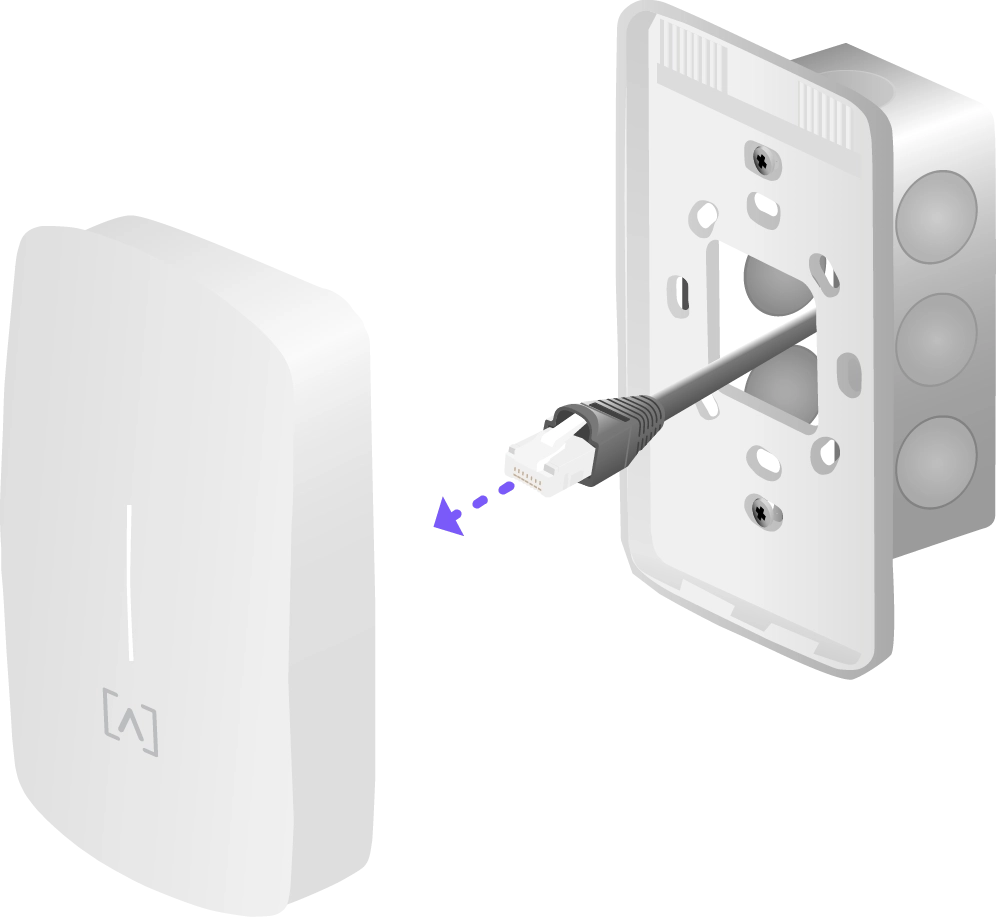
The AP6W includes mounting hardware to be used on a wall or a junction box.
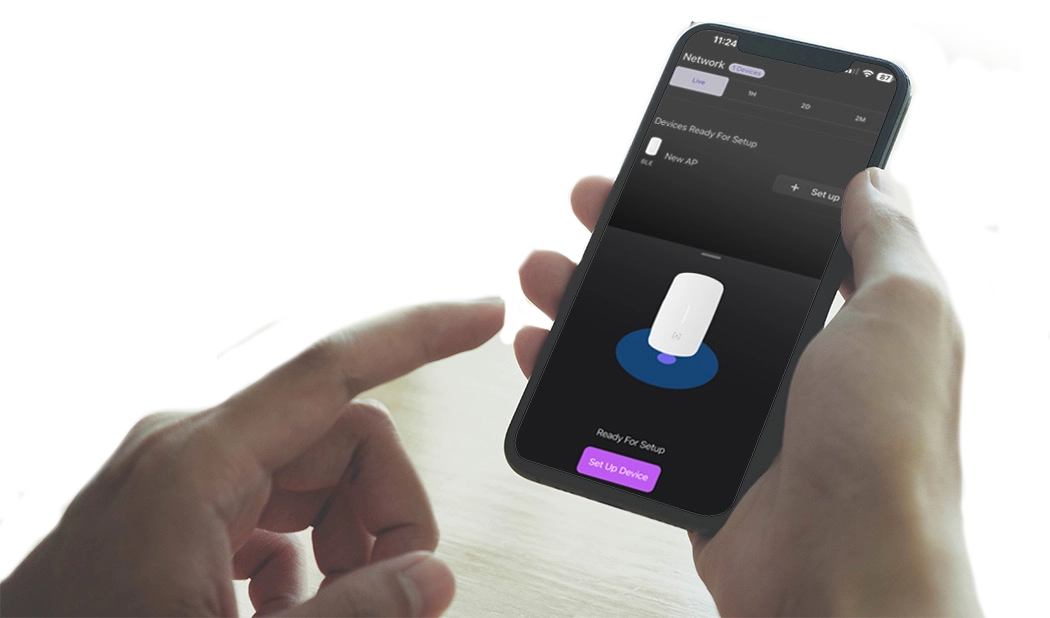
Bluetooth Setup
Bluetooth functionality is built into Alta Labs devices to allow seamless setup using the Alta Networks mobile app.
Scalable Cloud-Based Management
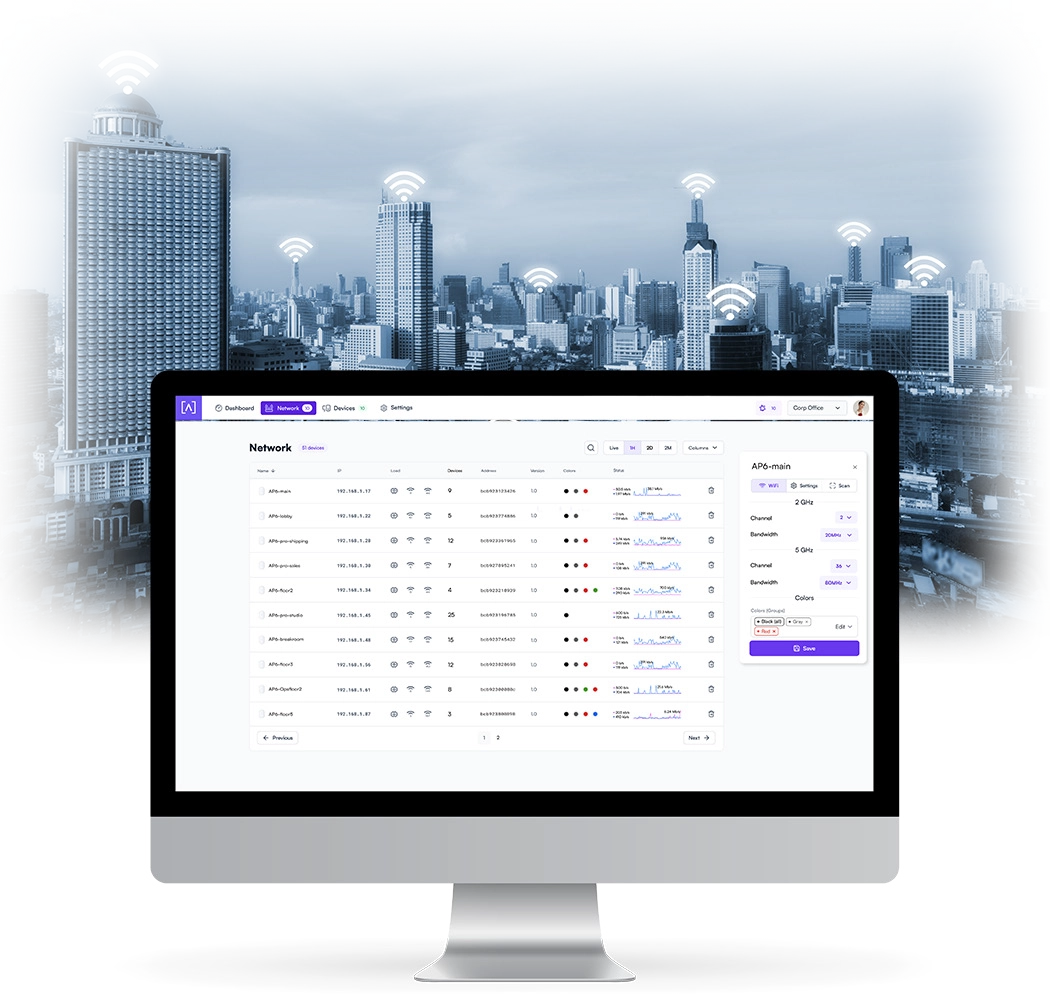
Alta Labs provides an intuitive and easy-to-use cloud-based management interface for Alta Labs devices. Designed for optimum scalability using a high-availability architecture for the ultimate in convenience and worldwide accessibility. Built on a worldwide content delivery network to optimize response and latency, our global cloud infrastructure ensures geographically optimized connectivity through our redundant network.
Mobile App
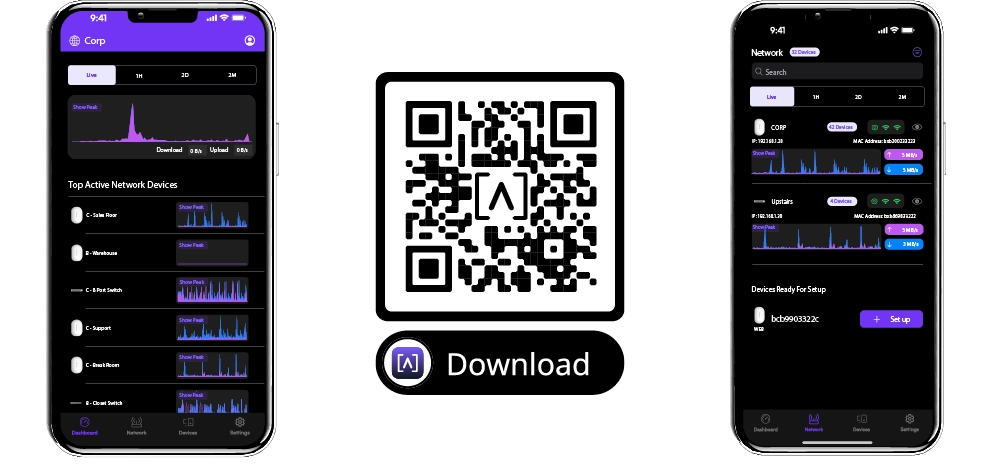
Monitor and manage your networks from the convenience of your mobile device using the Alta Networks app. Sign up for an Alta Labs account using just your name, email, and password or sign in using your Google or Apple account.
AltaPass™ is Alta Labs Powerful Patented Technology Built Into All Alta Labs Access Points
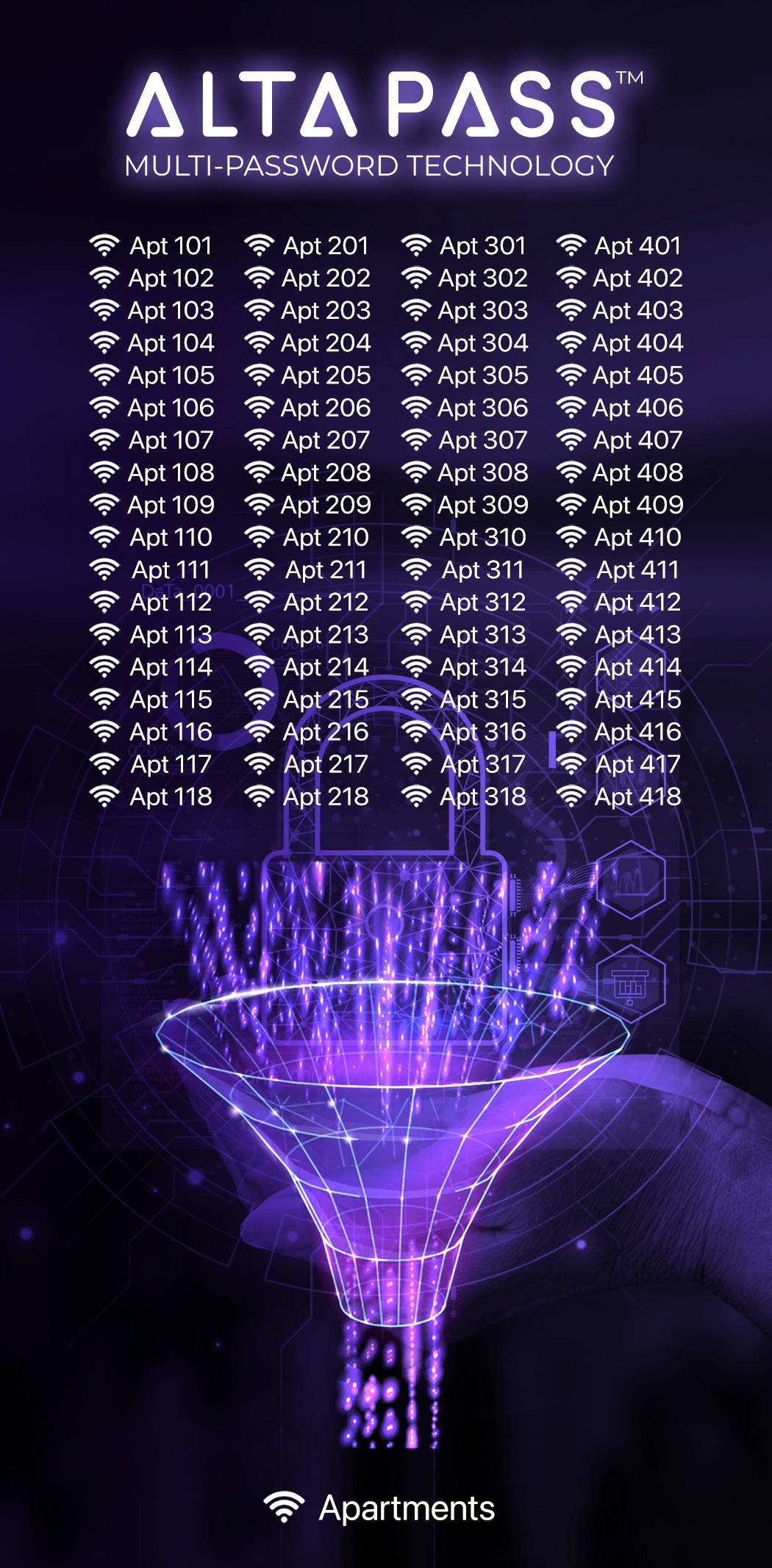
AltaPass™ is Alta Labs' patented technology (USPTO 12047240) built into all Alta Labs access points. This feature allows multiple passwords with customizable network/Internet settings to be used with a single wireless network SSID.
-
 Configure Unlimited Passwords
 -
 Effortlessly Scale to Thousands of Users
 -
 Secure Guest WiFi Independent of Router
 -
 Choose From Predefined List of Network Types
 -
 Limit Download/Upload Speeds
 -
 Assign to VLAN
 -
 Bypass Hotspot or Filter
 -
 Ignore Schedule Limitations
AltaPass™ Multi-Password Technology
AltaPass allows clients to connect to the same wireless network SSID using different passwords. The functionality is built in to all Alta Labs Access Points and managed using Control™.
Configure unlimited passwords and effortlessly scale to thousands of users. Clients are provided with different network and internet access levels based on the password they use to connect to the network. Passwords can be utilized by individuals or groups.
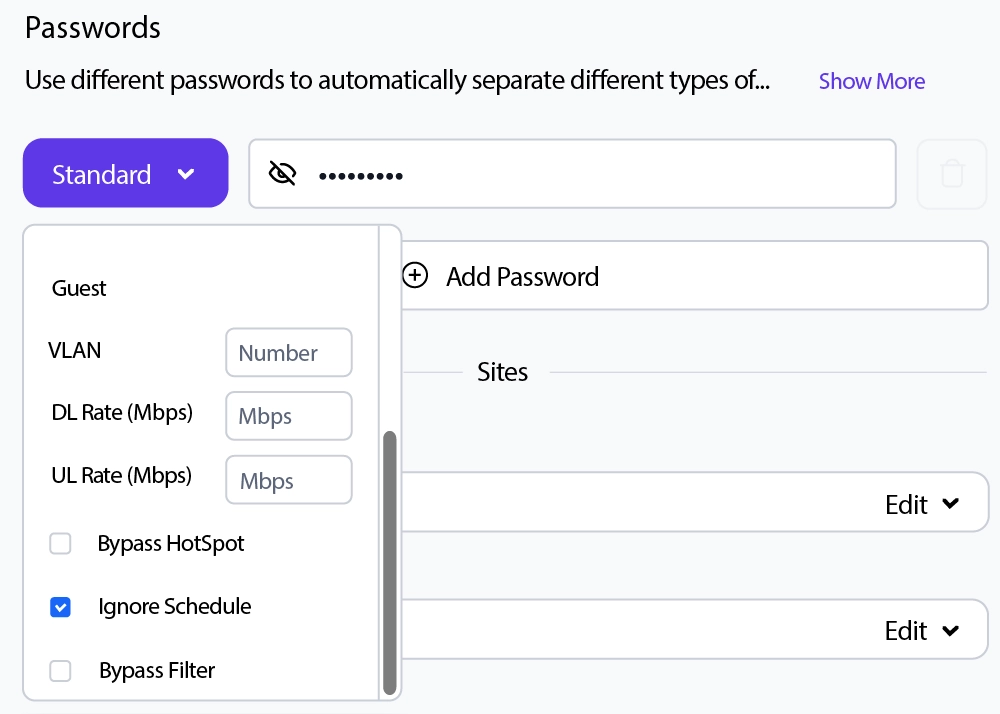
When a password is created, select from one of the predefined standard use cases. The password can then also be associated with limited download and/or upload speeds, assigned to a VLAN, or set to bypass the filtering rules, the hotspot functionality, or to ignore the schedule.
Predefined Use Cases
- Standard/Small Typical network with less than 100 WiFi clients/devices
- Large Optimized for hundreds to thousands of WiFi clients/devices
- IoT Restricted to Internet and local incoming connections only
- Internet only Restricted to Internet only
- Guest Restricted to Internet and IoT devices
Advanced Filtering - DPI Engine
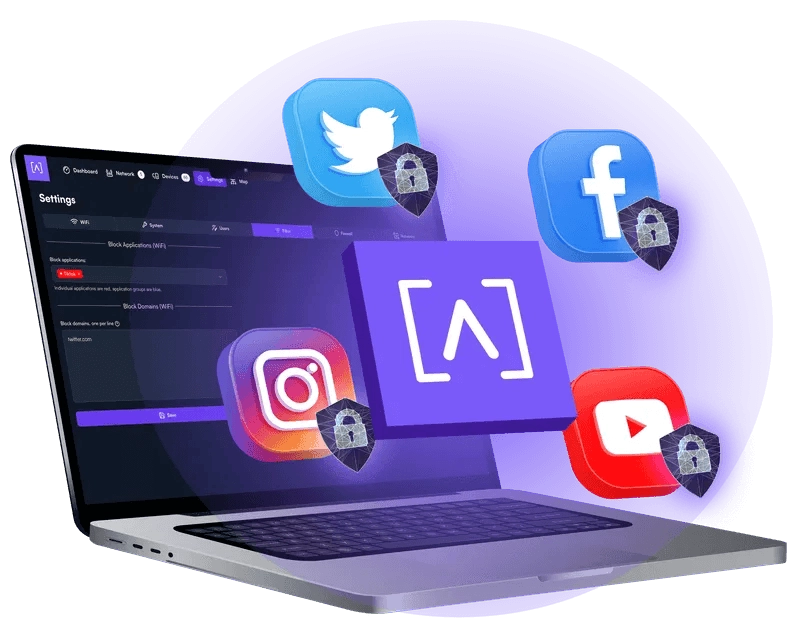
The Alta Labs access points have a built-in powerful Deep Packet Inspection (DPI) engine. By incorporating this feature directly in the access points, there is no need to purchase additional hardware to take advantage of this powerful tool.
Restrict access to websites, applications, or application types. Filter settings are easily applied in the Alta Labs web management interface.
Select applications or application types in the Block Applications drop-down menu. Block websites by typing in their domain names in the Block Domains field.
Password-Based Exceptions
There are many scenarios where users can’t have or don’t need their content filtered. The Alta Labs management interface allows you to bypass the site filter policy using our Multi-Password Authentication technology. Define a password to provide to users that bypasses the defined filter rules. If a hotspot has been created, it can also be bypassed. If a schedule has been defined, it can be ignored. Multiple password options can be defined using various combinations of the options.
Device Specific Exceptions
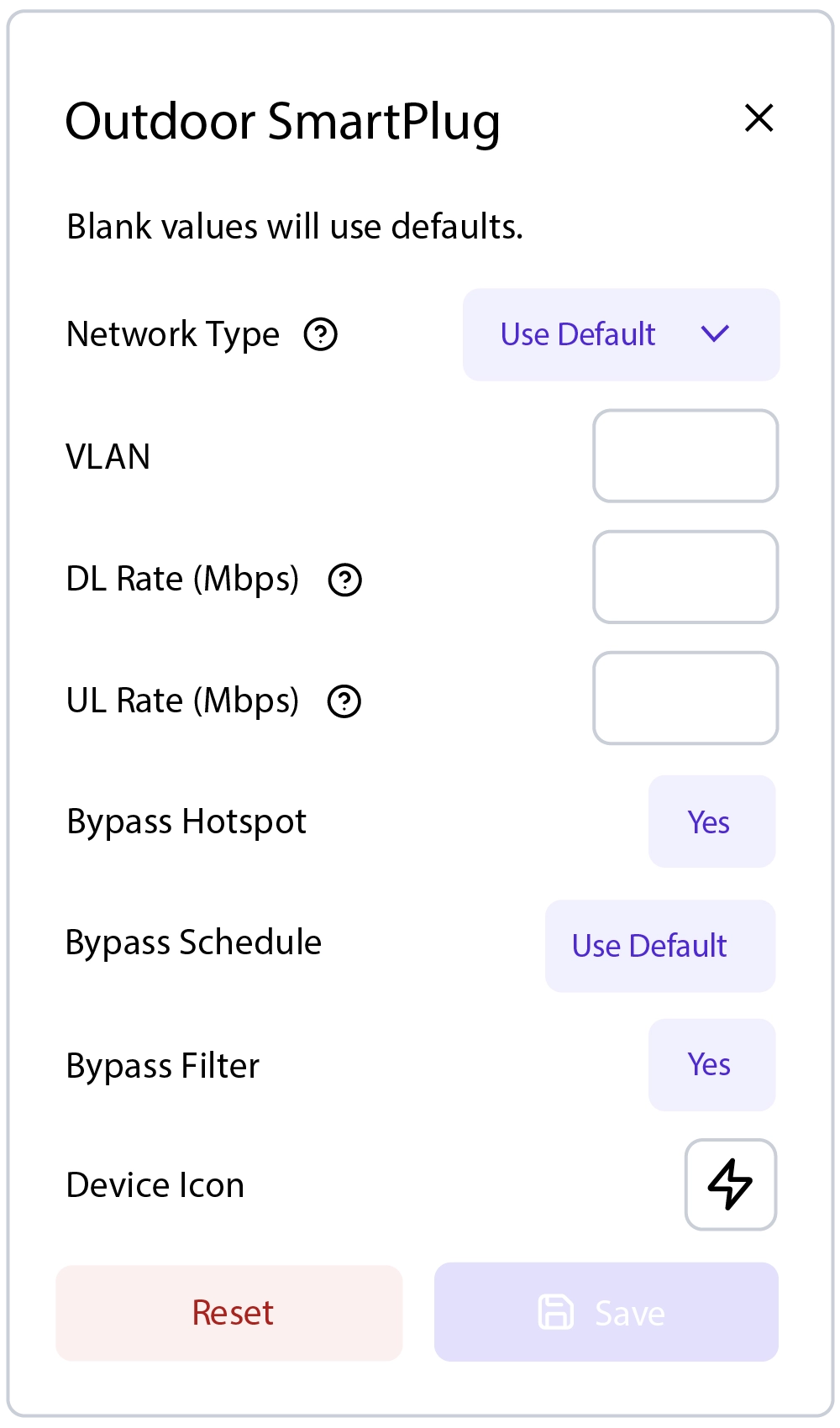
For instances where specific devices should not have their content filtered, adhere to a schedule, or bypass a hotspot, admins can allow individual devices to bypass the filter, schedule, and/or hotspot settings.
Hotspot Functionality
Built-in functionality to create your own local hotspot with a logo, title page, terms of service, and a final landing page. You also have the option to redirect to an external URL.

On-The-Fly Changes and Scanning
- Configuration changes do not require a reboot of your network. Changes can be made without taking your network down.
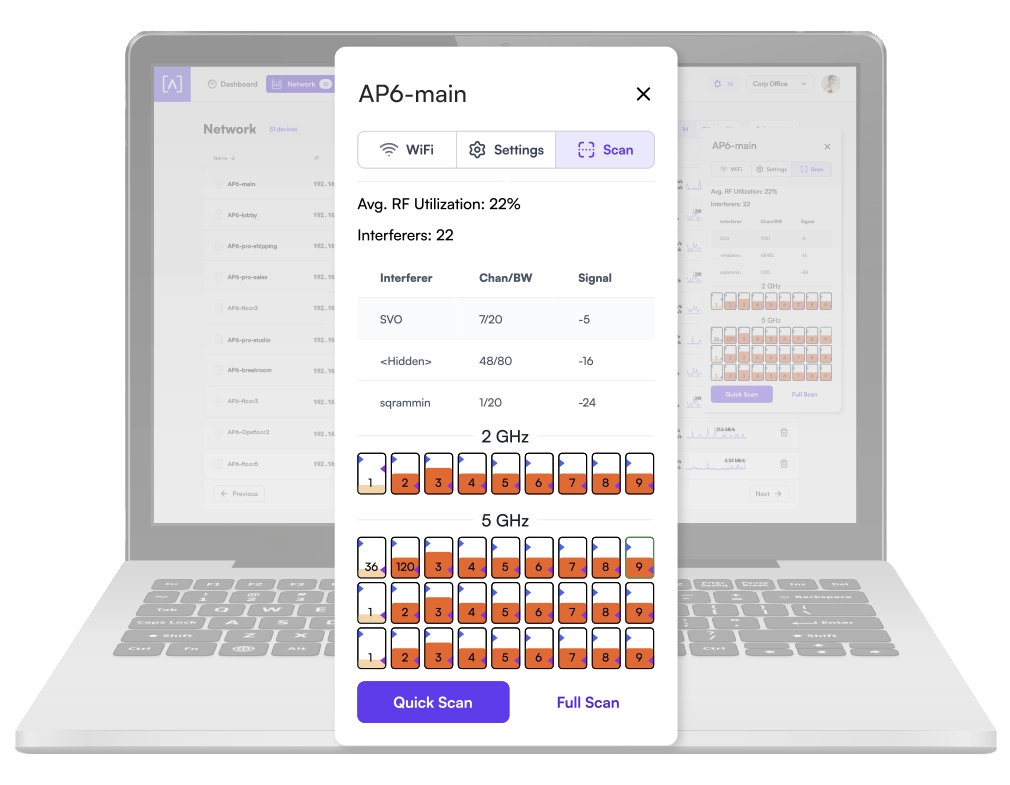
- Scan your AP environment without disrupting your WiFi network.
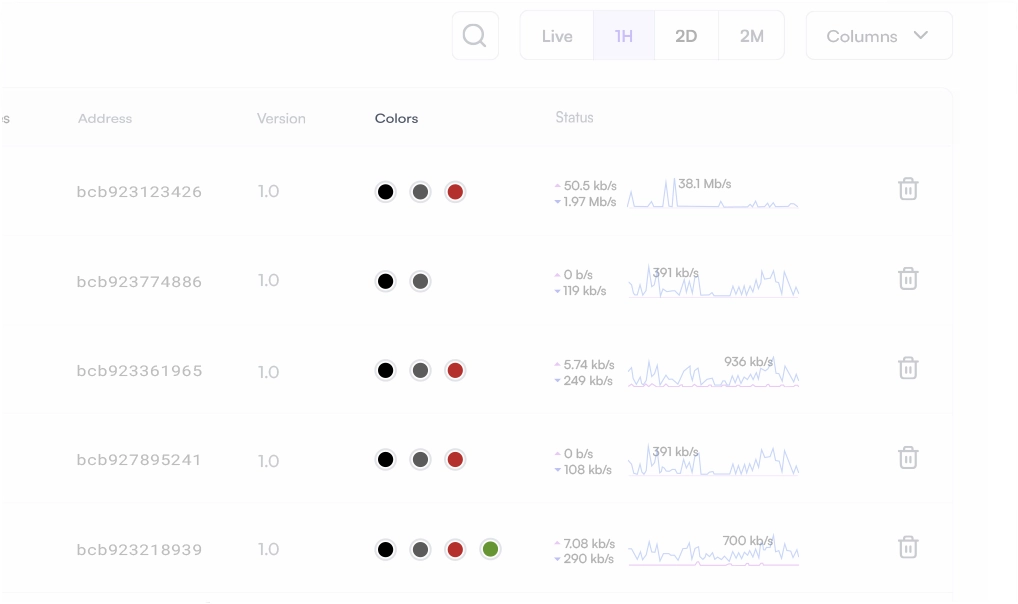
Wireless Network Color Coding
Patent pending functionality that allows you to assign groups to wireless SSIDs and then assign membership to wireless access points.
SSID Broadcasting Flexibility
In addition to standard functionality such as hiding your SSID, you can continue broadcasting your SSID during a “scheduled off” event. This provides network admins with the ability to grant users additional time on the network. A user can request access via a captive portal displayed when they try to access the network.
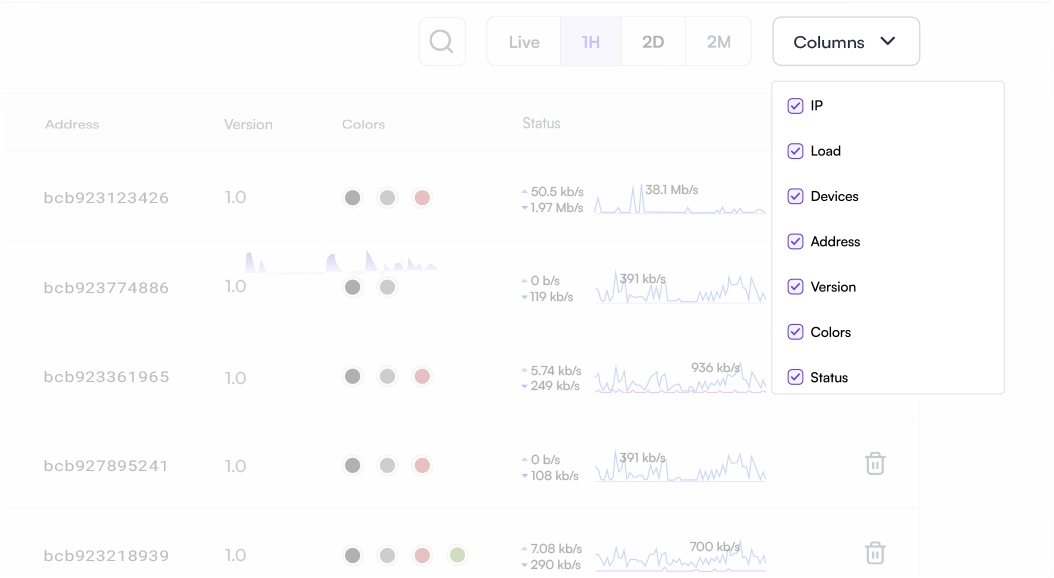
Customizable Dashboard
Customize your dashboard with the information you want to see: IP address, Load, number of devices, MAC address, firmware version, wireless network color assignment, and real-time status details. Details are sortable by column.
Status Snapshots
View upload and download throughput with a visual timeline on the dashboard for each AP displayed along with the number of connected devices, average processor load, channel load, and average connected devices. Select a snapshot of the last minute, last hour, last two days, or last two months.
FEATURES


