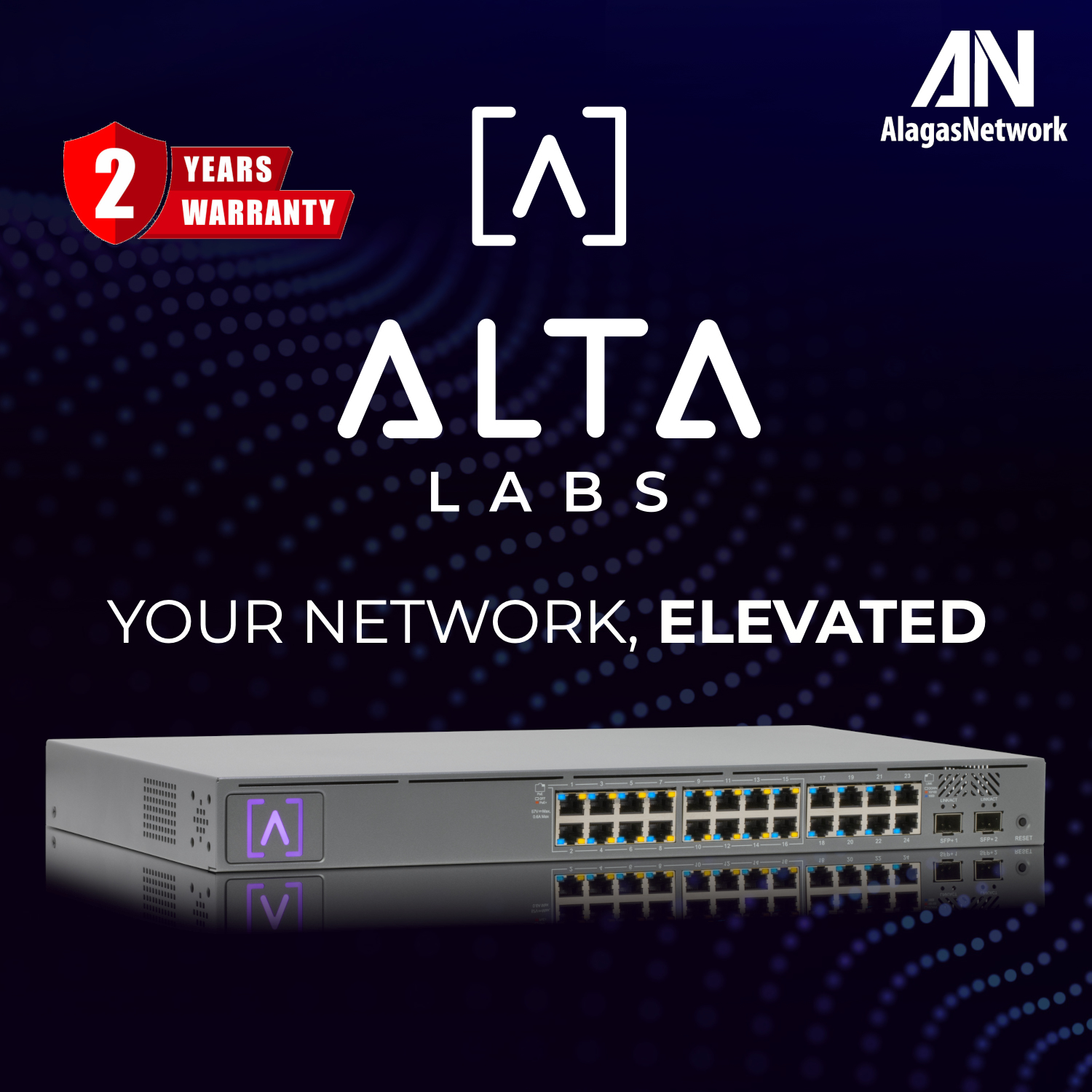
Alta Labs PoE Switch 24-port
The S24‑PoE is a rackmountable switch with twenty‑four 10/100/1000 ports, sixteen of which support PoE+. The S24‑PoE includes two SFP+ ports.


VERSATILE CONNECTIVITY
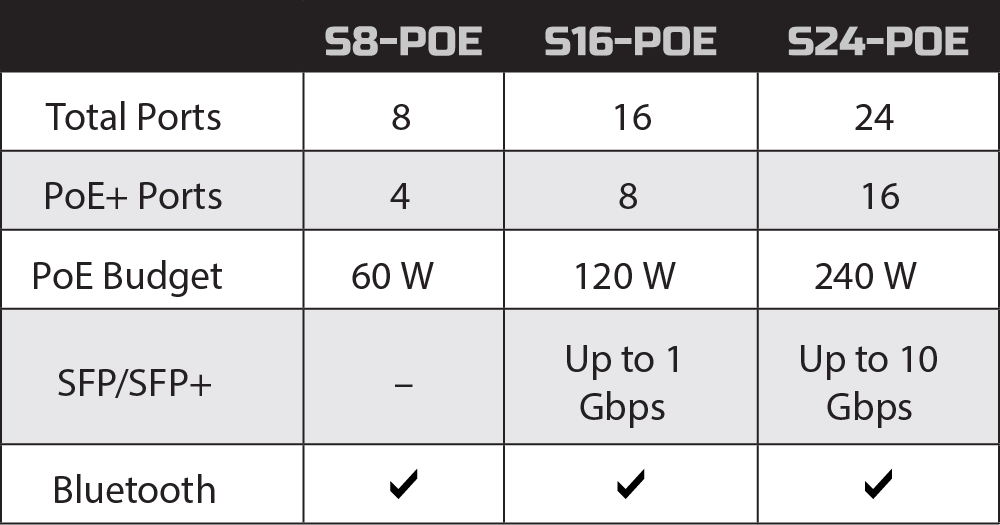
Alta Labs offers three PoE+ Gigabit switches, designed to meet various needs ranging from an enterprise environment to the small office/ home office. The S24‑PoE is a rackmountable switch with twenty‑four 10/100/1000 ports, sixteen of which support PoE+. The S24‑PoE includes two SFP+ ports. The S16‑PoE is a rackmountable switch with sixteen 10/100/1000 ports, eight of which support PoE+. The S16‑PoE includes two SFP ports. The S8‑PoE is a compact switch with eight 10/100/1000 ports, four of which support PoE+. It can be placed on a desktop or mounted on a wall. All of the Alta Labs switches include Bluetooth functionality for seamless device setup.
Power Over Ethernet
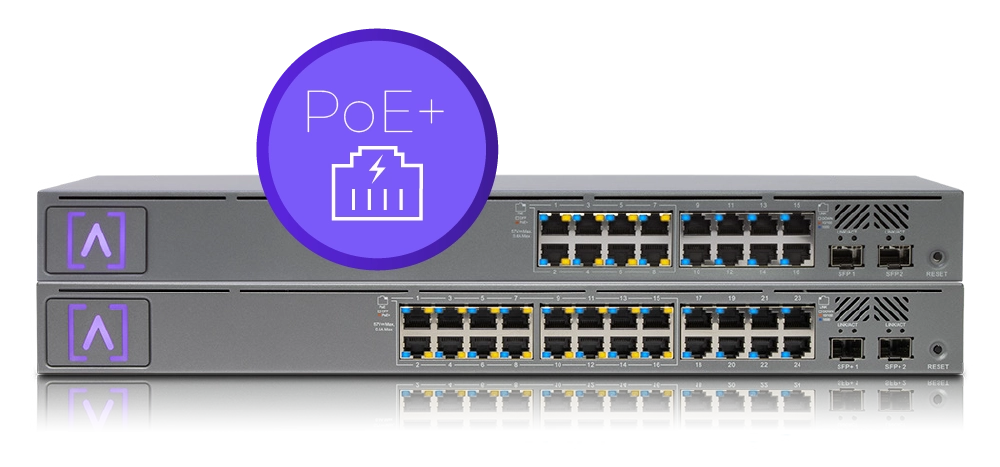
The Alta Labs switches feature PoE+ connectivity with a number of ports capable of providing up to 30 Watts of power per port. The switches support the 802.3at PoE+ standard and are backwards compatible with the 802.3af PoE standard. The S8‑PoE offers four PoE+ ports with a PoE budget of 60 Watts. The S16‑PoE offers eight PoE+ ports with a PoE budget of up to 120 Watts. The S24‑PoE offers sixteen PoE+ ports with a PoE budget of up to 240 Watts. Power your Alta Labs Access Points and other devices that support 802.3at or 802.3af standards.
SFP/SFP+ High Performance Connectivity
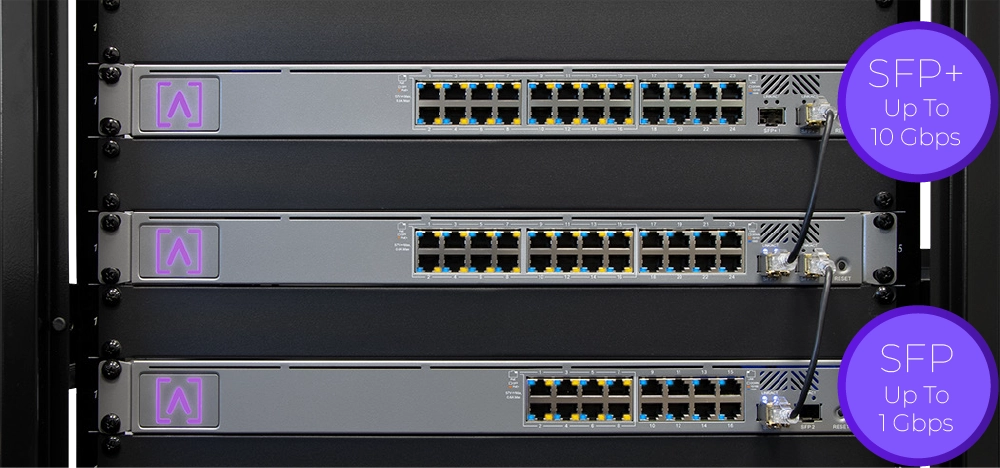
The S24‑PoE switch provides two SFP+ ports for high‑capacity fiber or copper connections of 1 Gbps, 2.5 Gbps, 5 Gbps, or 10 Gbps. The S16‑PoE switch provides two SFP ports for fiber or copper connections up to 1 Gbps.
Bluetooth Setup
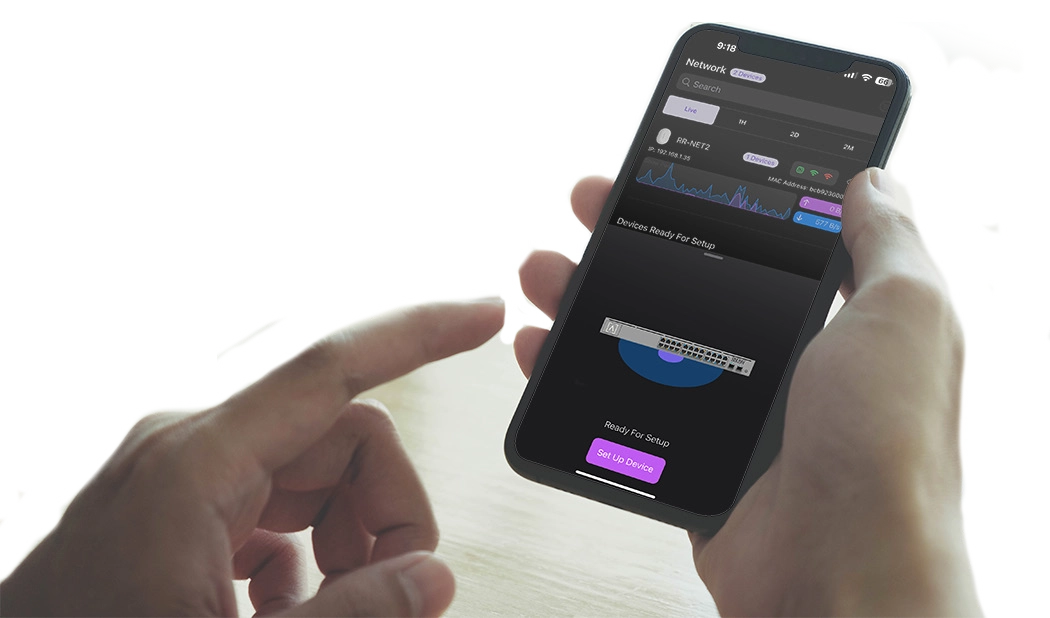
The Alta Labs switches include Bluetooth functionality allowing for seamless setup using the Alta Labs mobile app.
Mobile App
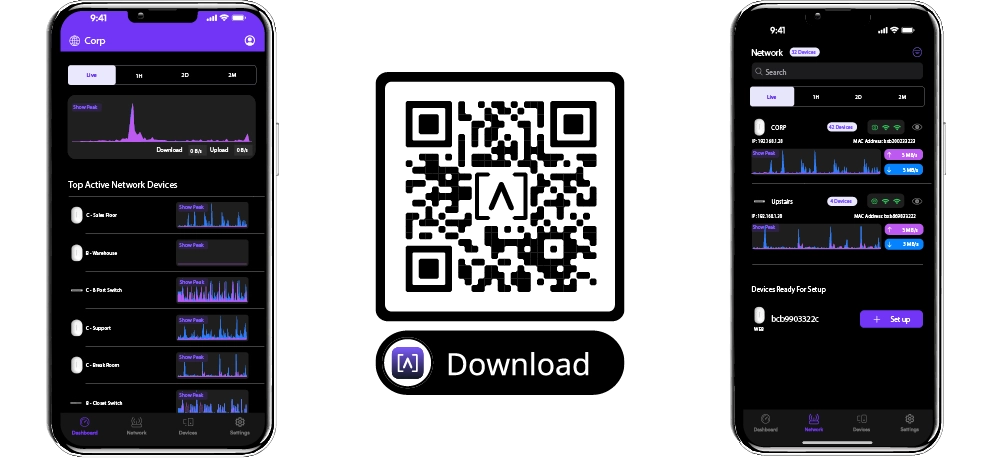
Monitor and manage your networks from the convenience of your mobile device. The management interface is easily accessible via mobile app or web browser. Sign up for an Alta Labs account using just your name, email, and password or sign in using your Google or Apple account.
Scalable Cloud-Based Management
Alta Labs provides an intuitive and easy‑to‑use cloud‑based management interface for Alta Labs access points and switches. Designed for optimum scalability using a high‑availability architecture for the ultimate in convenience and worldwide accessibility. Built on a worldwide content delivery network to optimize response and latency, our global cloud infrastructure ensures geographically optimized connectivity through our redundant network.
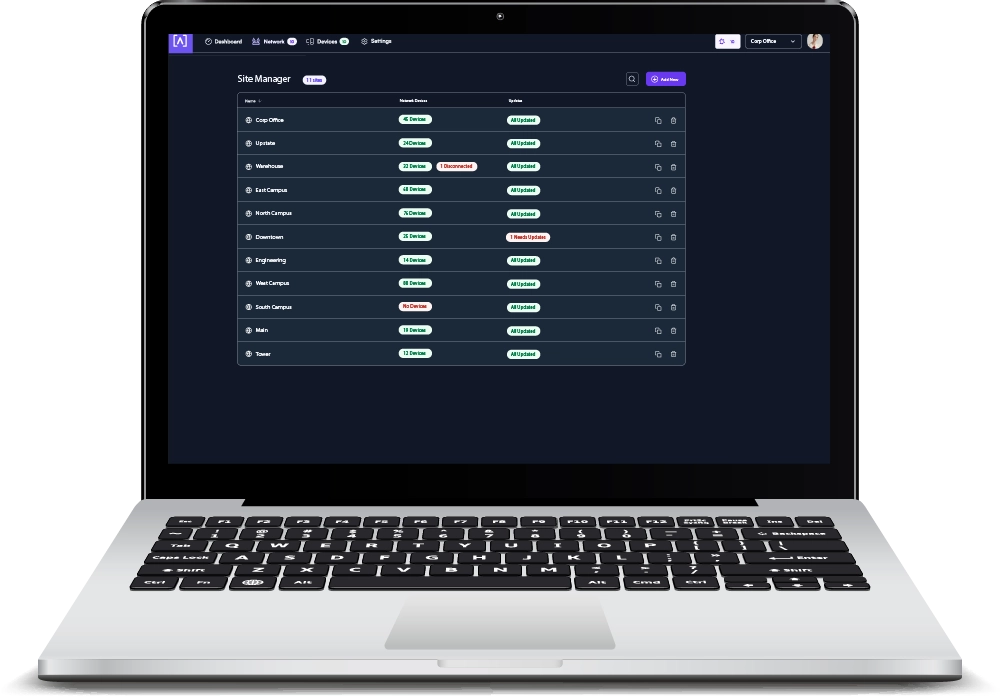
Deploy and manage multiple sites quickly and easily. Add, delete, or rename sites instantly. Toggle between sites from a site selection drop‑down. Each site contains its own data set.
IGMP Snooping
IGMP Snooping functionality is incorporated into Alta Labs switches to optimize network performance by reducing unnecessary traffic. This is particularly helpful for IPTV or multicast video streams.
Egress and Ingress Rate Limiting
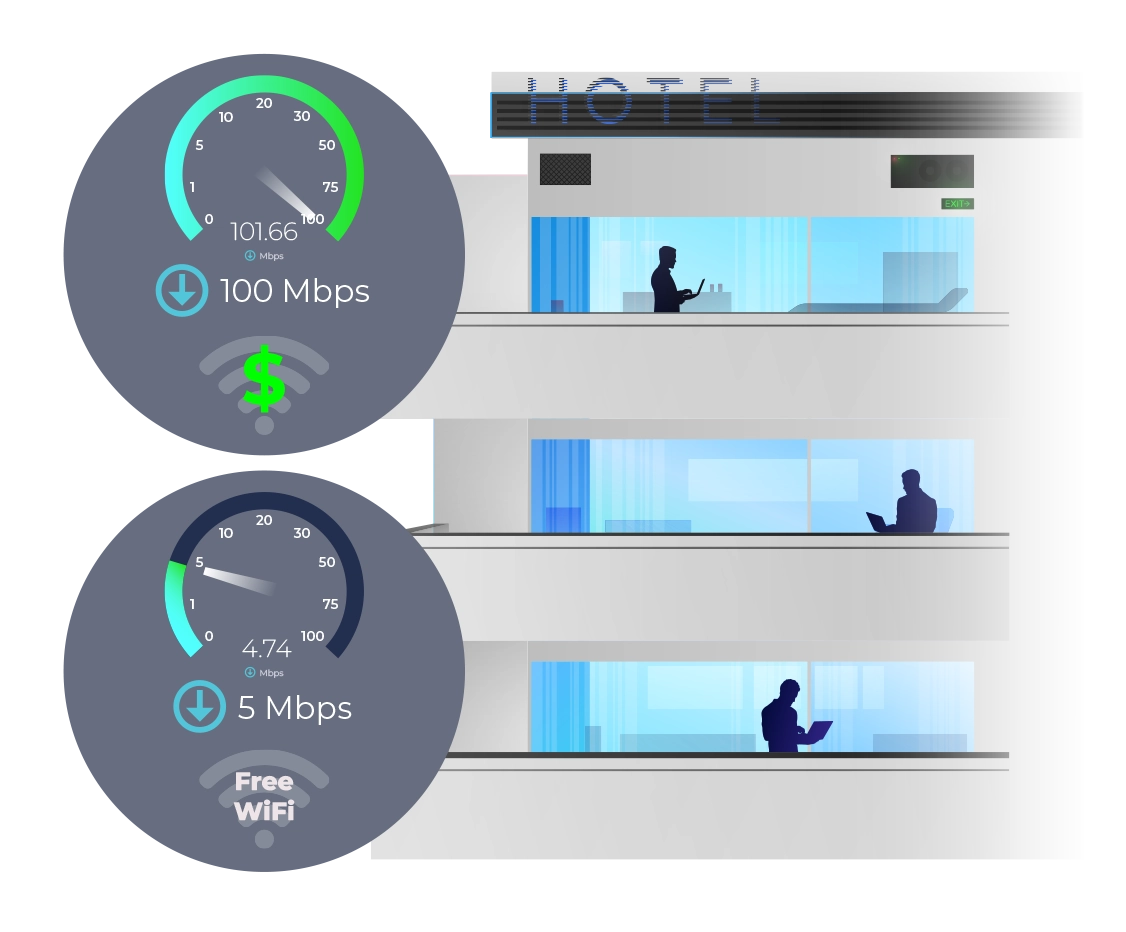
The switches offer egress and ingress rate limiting. This allows inbound and outbound traffic to be limited to a portion of the available bandwidth per connection.
For example, a hotel may want to provide guests with free 5 Mbps internet download (egress) connections but require guests pay an extra fee for 100+ Mbps speeds. The upload (ingress) speeds from the guests devices can also be limited.
802.1X Authentication
Alta Labs switches support 802.1x Authentication to allow for more dynamic methods of network authentication. VoIP phones and other 802.1x‑compliant hardware can authenticate themselves on to the network, helping with deployment on larger networks.
Network Loop Detection
Network loops can deteriorate performance or even cause network failure. Our built‑in network loop detection functionality is designed to help you eliminate any potential network loops.
Alta Labs Cloud Management Platform
The Alta Labs Cloud Management Platform provides many features that can be utilized on your Alta Labs Switches.
Customizable Dashboard
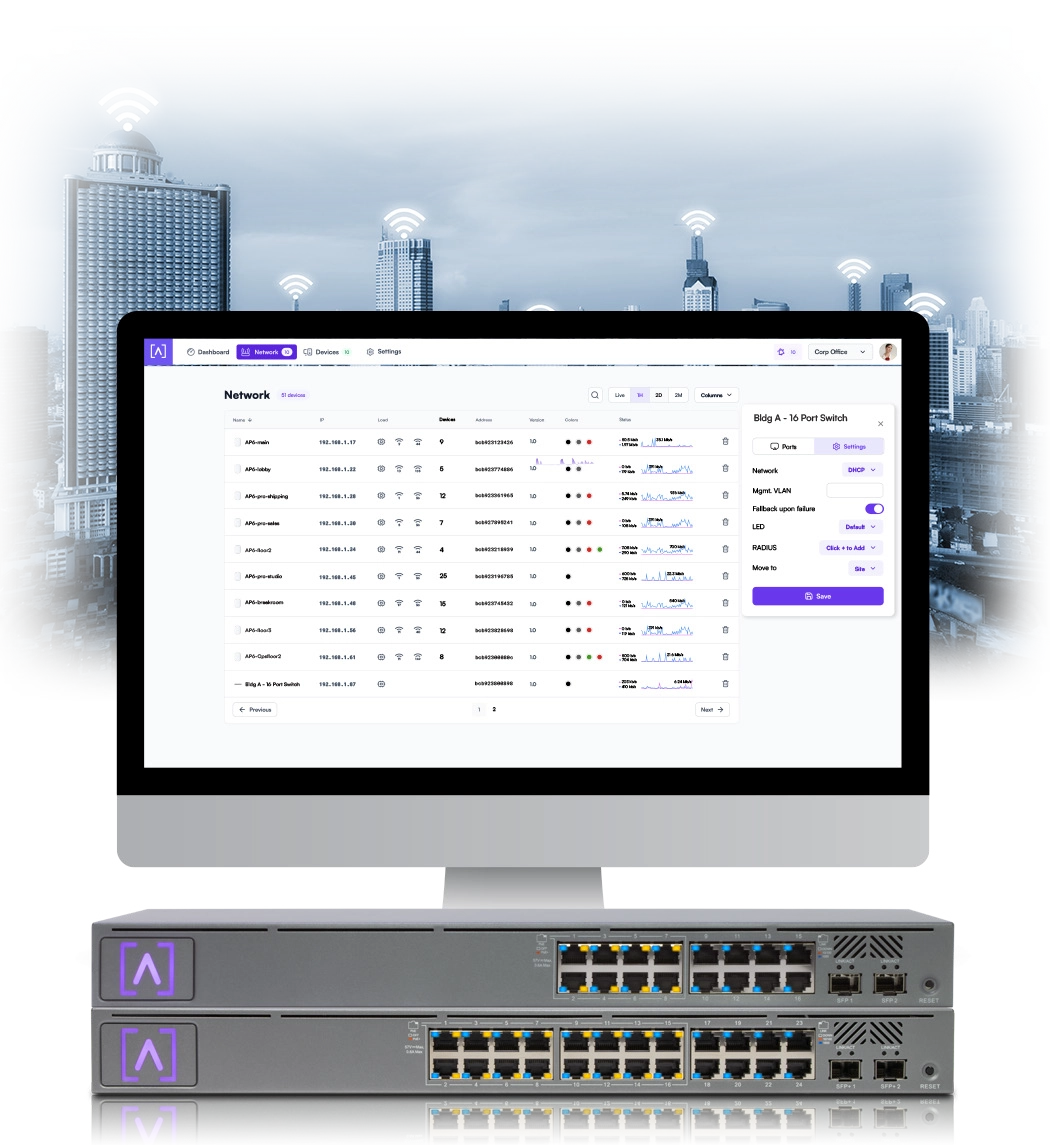
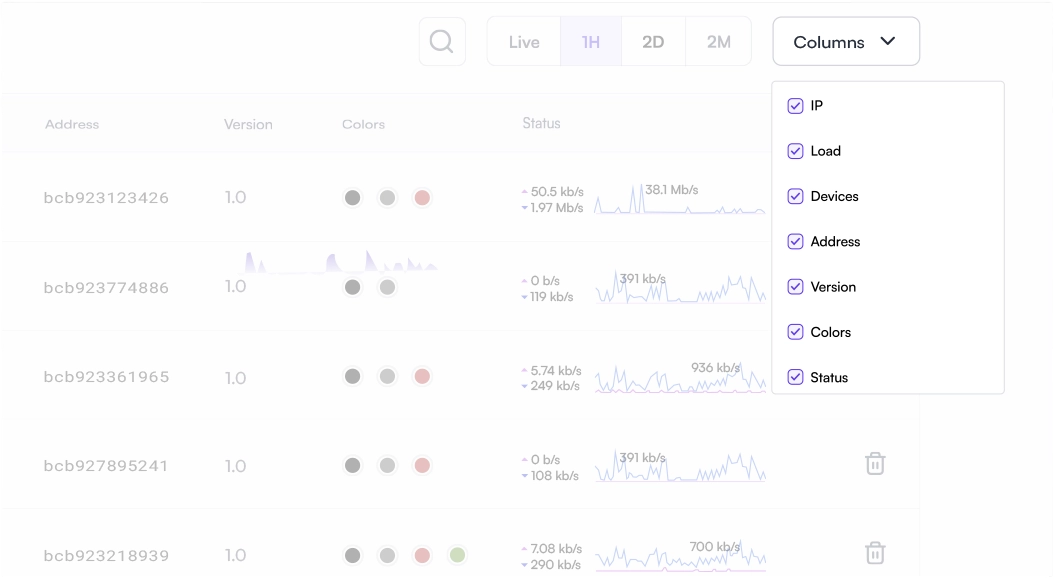
Customize your dashboard with the information you want to see: IP address, Load, number of devices, MAC address, firmware version, network color assignment, and real‑time status details. Details are sortable by column.
Status Snapshots
View upload and download throughput with a visual timeline on the dashboard for each device displayed along with the number of connected devices, average processor load, channel load, and average connected devices. Select a snapshot of the last minute, last hour, last two days, or last two months.
Device Cards
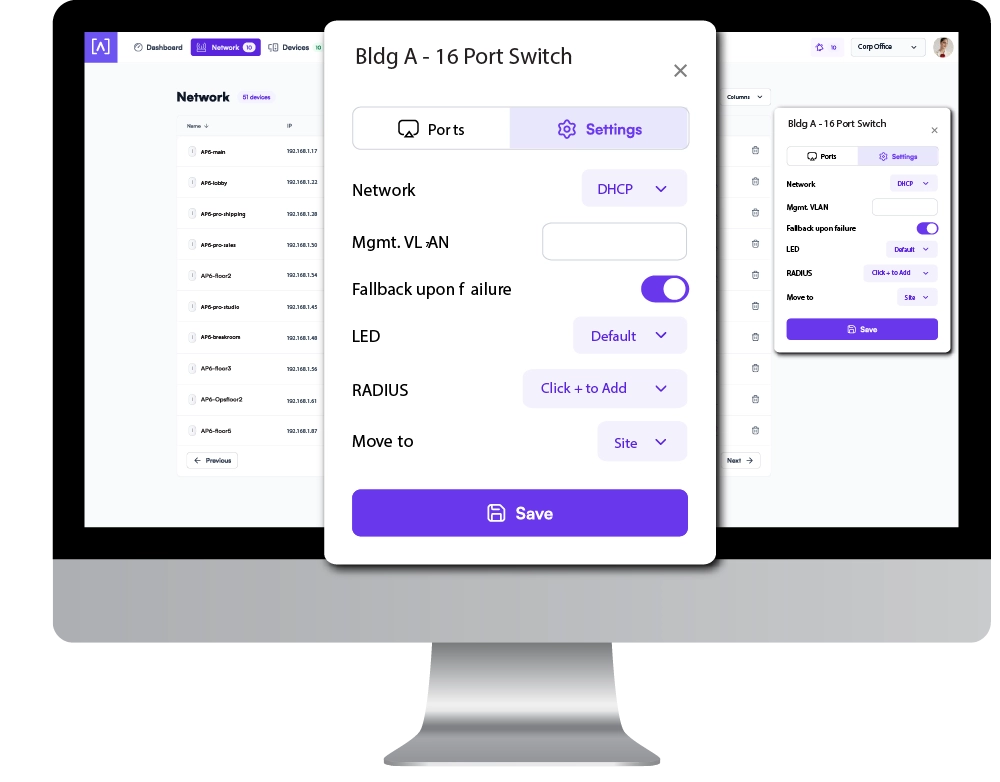
Easily view connection details and configure your ports by clicking the device icon.
Site Manager
The Alta Site Manager provides an overview of all sites, displays the number of devices for each site, and shows when updates are needed. New sites can be added and current sites can be duplicated or removed. Use the search option to look for a specific site.
FEATURES


